This article explains how to set up heartbeat notifications using Dbvisit StandbyMP.
Dbvisit StandbyMP can notify the user of any failures that occur during synchronisation. It also sends a daily status of the configuration via a heartbeat message
I have the following Oracle configuration with Dbvisit StandbyMP version 12.4.0 installed.
PS:In earlier versions, it was part of Observer settings. Please refer to the user guide for the detailed steps
https://dbvisit.atlassian.net/wiki/spaces/DSMPV12/pages/4487544856/Notifications+Configuration
Steps Performed
Configure email and Slack settings under Notification Settings. Enter SMTP server details and enter the email recipient
2. Once entered, save the details.
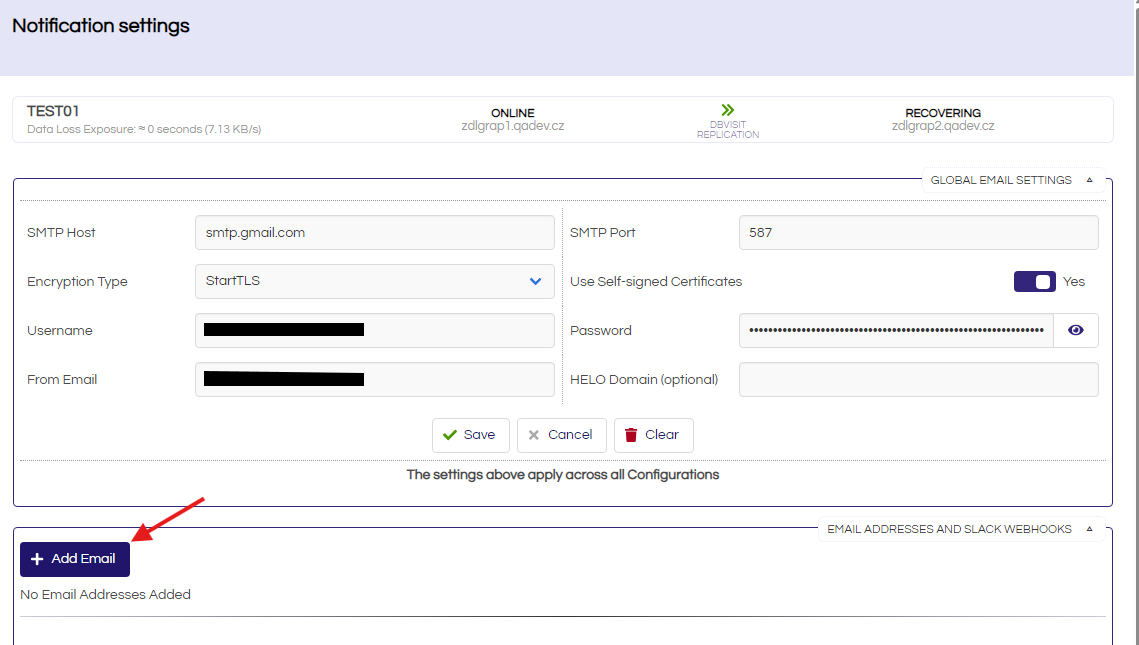
3. Set up the Slack Webhook address
Next, enable email notifications (2), Slack notifications (4), enable the heartbeat message (3), and set the heartbeat message time.
4. Daily heartbeat messages are received via email and Slack at the set time
Comments